Please stop converting HEIC
-
Please stop converting HEIC, or HEVC videos. I have not actually tried dragging / inserting a video to any journal entry.
I’m currently looking at a single photo inside:
~/Library/Group Containers/5U8NS4GX82.dayoneapp2/Data/Documents/DayOnePhotosthat I have exported from Photos as HEIC, then dragged it to DayOne. It was saved as JPEG, much smaller in size than PNG / DNG for sure; but also around 30% bigger than the original HEIC that I dragged.
For some photos the JPEG version is up to 50% larger in file size than the HEIC. There’s literally no point converting to JPEG to save on disk space when it ended up using so much more disk space than the picture I dragged.
-
-
Now that I’m on a subscription, where is this demand being tracked? I mean publicly. I can’t seem to find some sort of development roadmap.
Or are you guys just saying things?
Because HEIC has been around for so long, and almost all of my photos & pictures are in that format.
-
-
-
-
Hi @pilus,
We added support for adding images in HEIC format as of version 2024.13.
Can you tell us the version number of Day One and the device you’re using? – https://dayoneapp.com/guides/locating-the-version-number-of-day-one/
-
Hi, @staff-frank
The version number is: 2024.24 (1616)
I tried it again today, minutes ago. It’s still converted to JPEG, this time the resulting JPEG is smaller than the HEIC file.
But the JPEG file is not HDR, while the HEIC definitely is still HDR even after export from Photos.
JPEG: Cleanshot.cloud.
HEIC: Cleanshot.cloud.
-
I don’t see version 2024.24.1 on my mac, my phone does have that.
My mac seems to update to 2024.25 immediately.
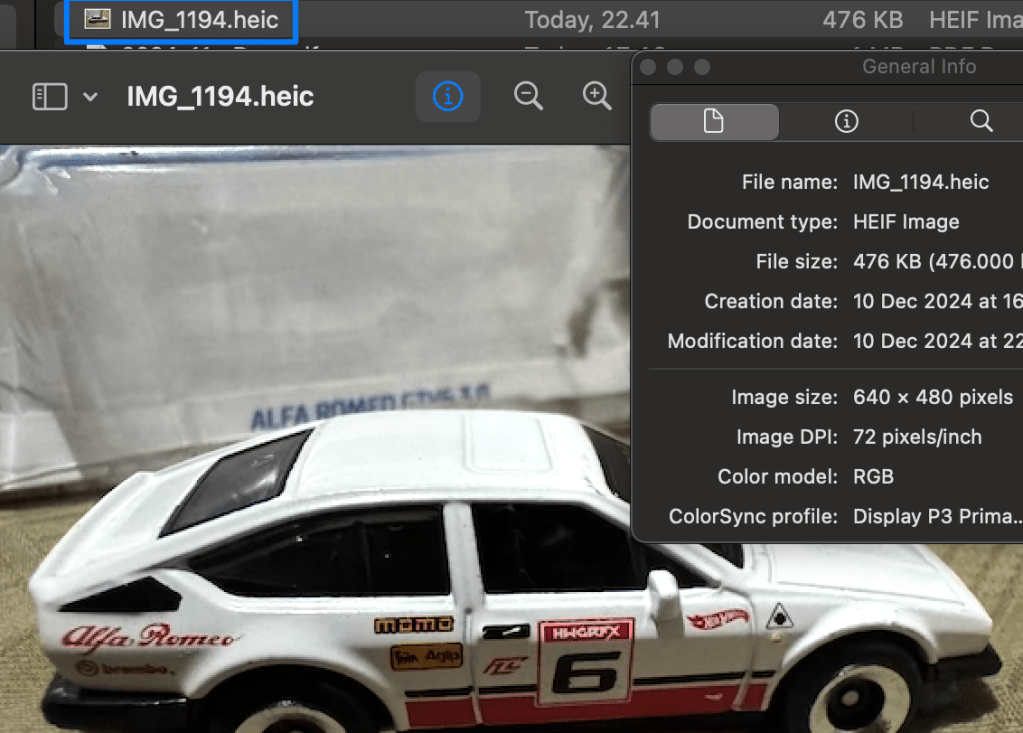
Tried importing another HEIC image again, just minutes ago, into the mac app
The file is as shown here:
The one inside DayOne’s Group Container is still JPEG:
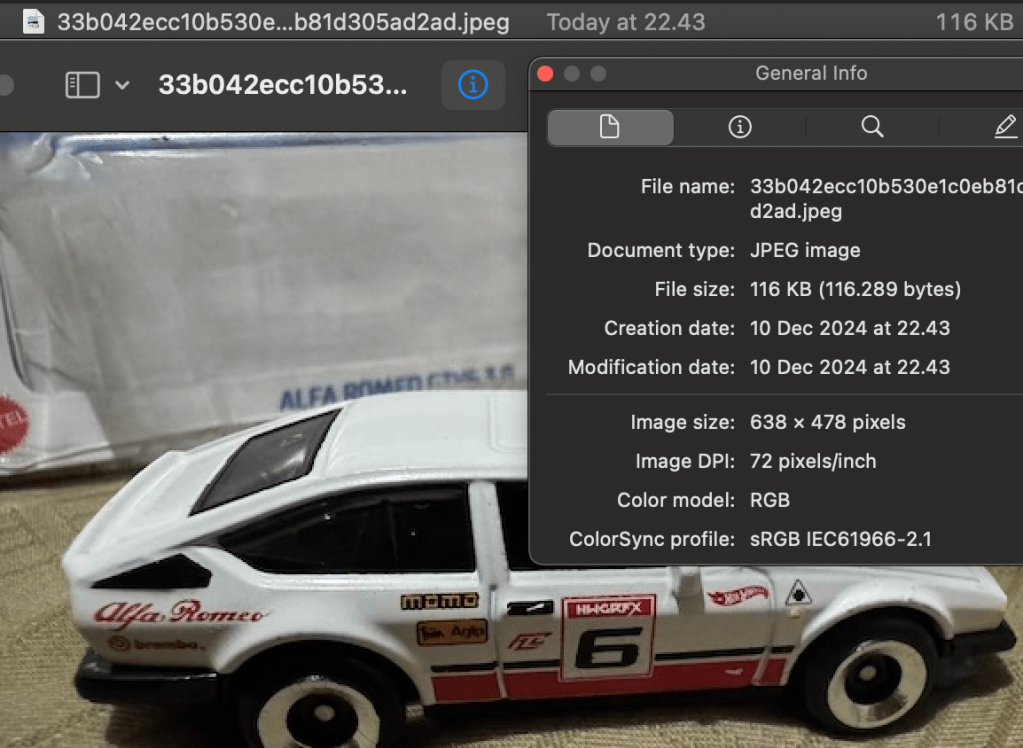
File size wise, sure the JPEG is smaller, and in this instance it looks visually the same.
But JPEG don’t have HDR, and the JPEG in the container group is of a different Color Profile.
I’ve given up on this issue, it’s been more than a year…
I just don’t have that many sh1t to give anymore…
Feel free to not reply again.
Kthxbye!
-
@pilus I’ve confirmed that HEIC images are still converted to JPEG in v2024.25 of the MacOS app. I understand that this results in some differences, including the loss of HDR capabilities. Due to very limited demand for this feature, it’s not something we have been able to prioritize so far, but we are still aware of the request and will continue to consider it for future updates. I understand if this isn’t the response you were hoping for, but if you have any other concerns or feedback, feel free to let us know.
-
@staff-donnie Uh?
Then why did three of your colleagues (@staff-lynn and @staff-joey8 and @staff-frank) say it was implemented? That’s not very professional.
And I’m interested in that feature too, by the way.
-
Hello @q6bp42699z6213220c05,
HEIC photos are supported when adding them to Day One. However once added, they are converted to JPEGs currently. So while HEIC formatting is supported, it is not retained once added.
I’ll definitely add your vote for this feature to be considered. 😊


 Day One Forums