Missing Info
-
I am using version 2024.24 on macOS, and I can’t for the life of me, locate the Info pane which shows me more detailed info about an entry (music I was listening to, what journal the entry is in, the date and time, etc).
Where can I locate that information? -
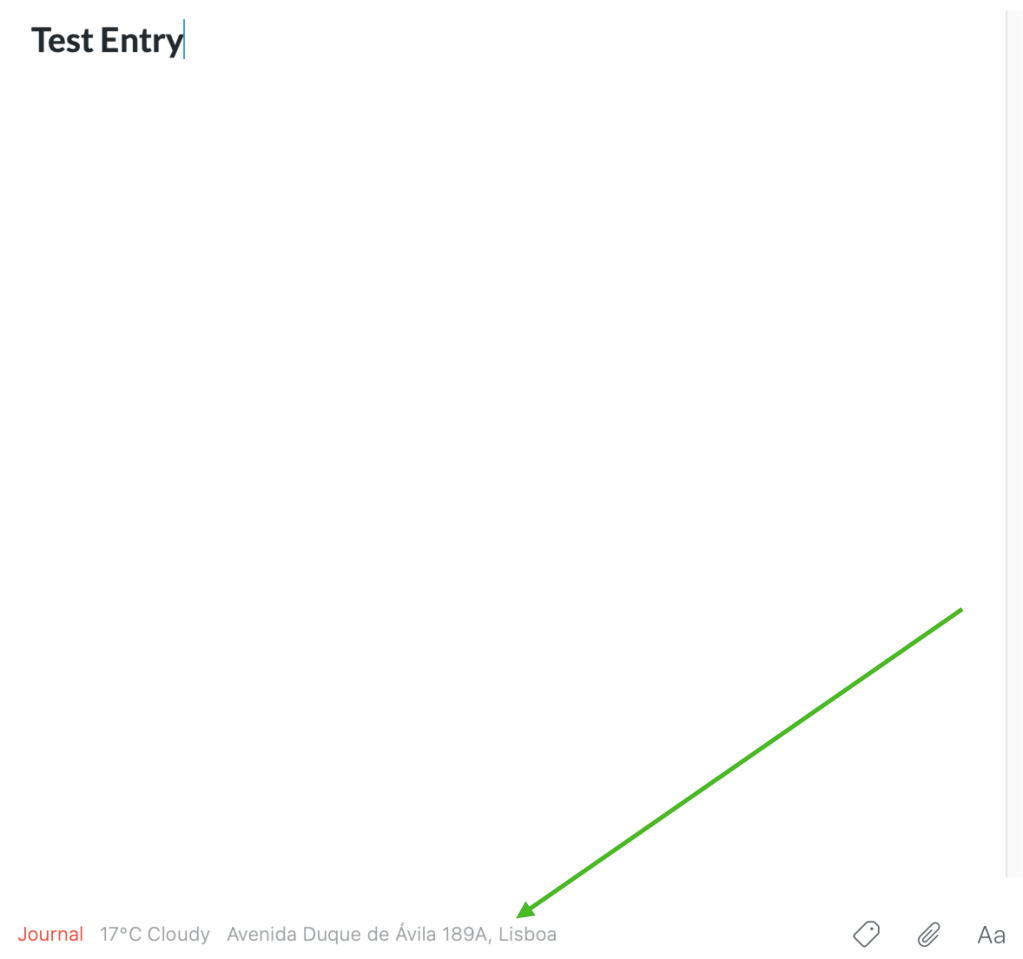
None of those show the Apple Music song that’s embedded in my entry. The top shows me the date, the bottom shows me where the entry was made, but there used to be a way, on the Mac, to see what song you were listening to at the time.
The feature is still available on iOS.


-
Thanks for sharing this with us, @demilo
The iOS app captures currently playing track info from Apple Music as entry metadata. This is an exploratory feature for which we don’t yet have a functional application in the Day One Mac app and other platforms. We will continue to explore ways to incorporate music data into Day One.
If more users would like this, it will increase its chances of being implemented sooner.




 Day One Forums