Hold + Button to Choose Journal for New Entry on iOS
-
Hi!
I’d like to request a feature where I can hold the “+” button in the bottom right corner on my iPhone, a fan menu would pop up, and then I could select from there which journal a new entry goes into.
This would create ease of navigation into each specific journal when I need to make a new daily entry in multiple journals in the morning.
Thank you!
Andy
-
That was the case when we had templates, as it was possible to set a default journal to a template. But now, templates disappeared from the + button, and entry choices, for an unknown reason.
Returning to the previous implementation would be nice and would fix your need. -
We have just readded the function where you can hold the plus button on iOS to bring up this menu:
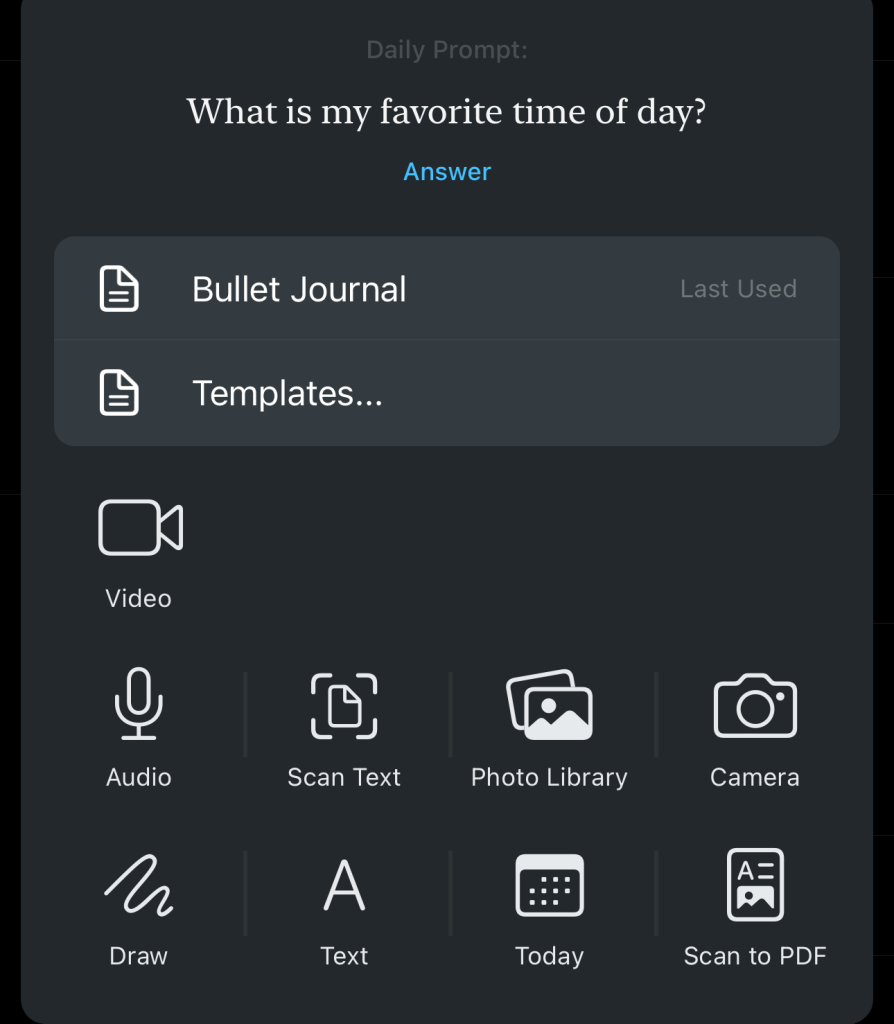
Do update the app and give it a try.
-
Would you consider adding this functionality to the Android app too, along with the ability to assign a journal to a template?
I’ve just reintroduced myself to Day One and was surprised it’s so awkward to select the journal for a new entry each time, and not be able to have templates entries go to a specific journal (e.g. a Work Reflections template that creates an entry in my Work journal)
-
Hi @flvvv11qn
Thanks for sharing your feedback. I’ve added your suggestions to our list of feature requests for future consideration.


 Day One Forums