Doesn’t get location from image EXIF
-
Both ios and mac, I am using newest version.
I create a new entry, then attach images from iPhone’s photo library, I chose using attachment’s time and location, the date time and even weather and walk steps were all updated based on the image EXIF, but the location is not. I am pretty sure that all the images have location in their EXIFs.
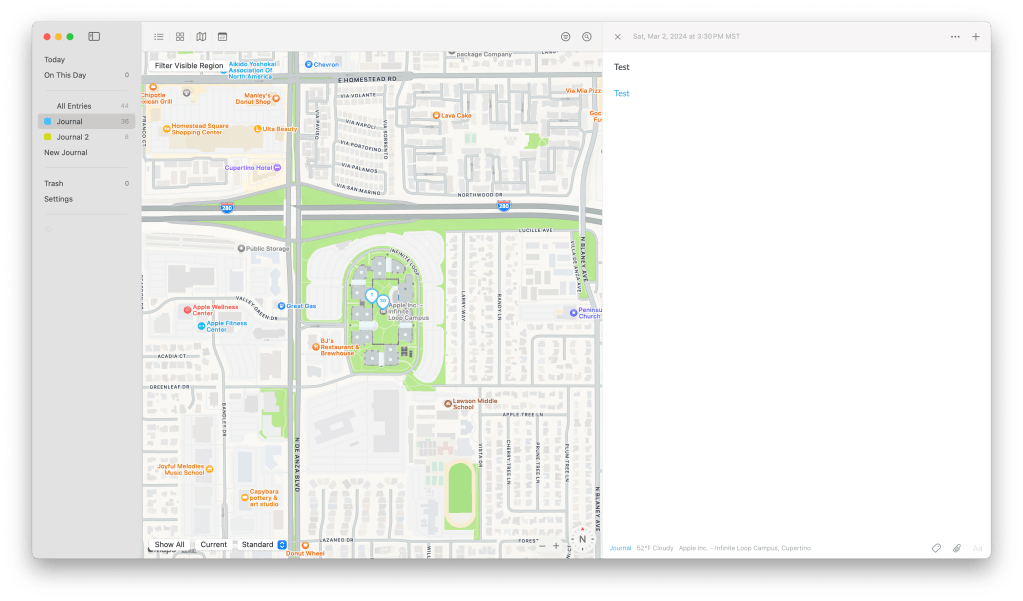
On mac, when I right click on weather on left bottom of entry, choose: Location > Open in Day One Map, it will open the map located on the place where I am.
How can I solve this problem?
-
Hi @mcjc001. Thanks for reaching out. We will do our best to help with these concerns.
On mac, when I right click on weather on left bottom of entry, choose: Location > Open in Day One Map, it will open the map located on the place where I am.
I was unable to reproduce this. The map was opening to the entry’s location when I tried on various entries.
Can you find the version number of Day One on each device and let me know what you have? See here: https://dayoneapp.com/guides/settings/locating-the-version-number-of-day-one
Is the Mac connected to the internet via WiFi or with Ethernet? WiFi is needed for Day One to use Apple’s location API.
I create a new entry, then attach images from iPhone’s photo library, I chose using attachment’s time and location, the date time and even weather and walk steps were all updated based on the image EXIF, but the location is not. I am pretty sure that all the images have location in their EXIFs.
If you open one of those entries and go to the Entry Info view, scroll down until you see the media. Is there location data attached to the images? No need to share the location data here in this public thread.
We look forward to your reply!
-


Sorry for my late reply, since I forgot this case.
The ios version is 2025.13(2621), I uninstalled macOS version because I think iOS is enough.
The problem still exists. Attached you can find when I click on “Apply date/location to entry” to one of location-included image, nothing happened, it means the entry location is still my iPhone location, not image location.
I think that’s the reason why not show picture location when create a new entry with location-included images.
By the way, I’m located in China I’m not sure any problem with the maps there, when I traveled to other countries seems to be ok. However, I think it just copies the location from EXIF in an image into an entry should be no relationship with the place wherever I’m located in?
-
I found a solution: turn on airplane mode, turn on wifi, then ios will use amap in China instead of Apple own map. It works to get GPS location from the picture to the entry.
Is there any way to fix this bug?
-
Sorry my typo, please neglect above.
I found a solution: turn on airplane mode, turn on wifi, then ios will use Apple own map in China instead of amap. It works to get GPS location from the picture to the entry. But it have to be in WIFI environment, not be suitable in mobile mode.
Is there any way to fix this bug?
-
Thanks for sharing all of this additional information with us, @mcjc001
I can confirm that our team is investigating the issue. In the meantime, we recommend using the workaround.
If you are able to share some example pictures with the issue to us (any example pictures with location EXIF data which has the issue), it would be much appreciated. You can also email them to us and reply here once done.


 Day One Forums